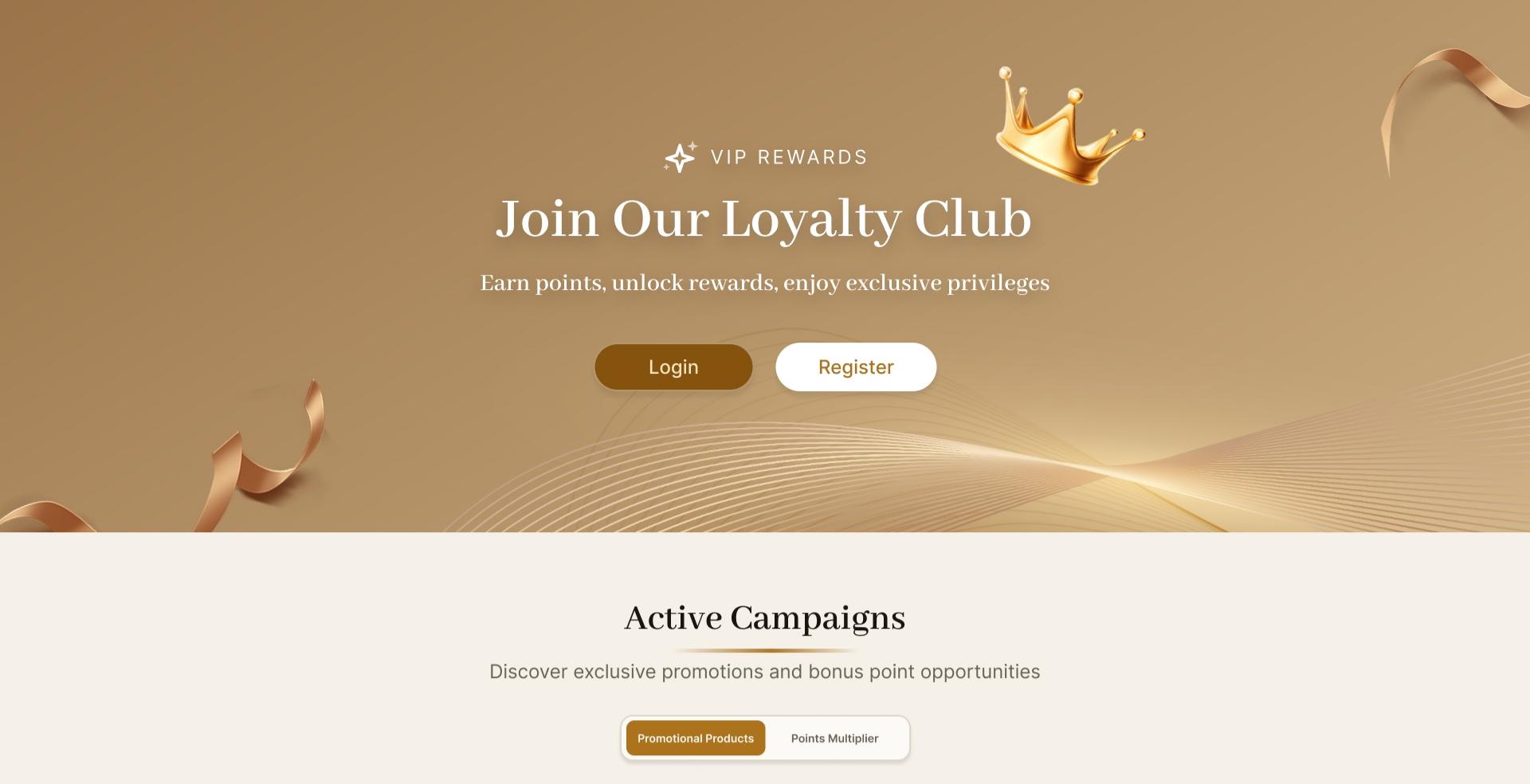
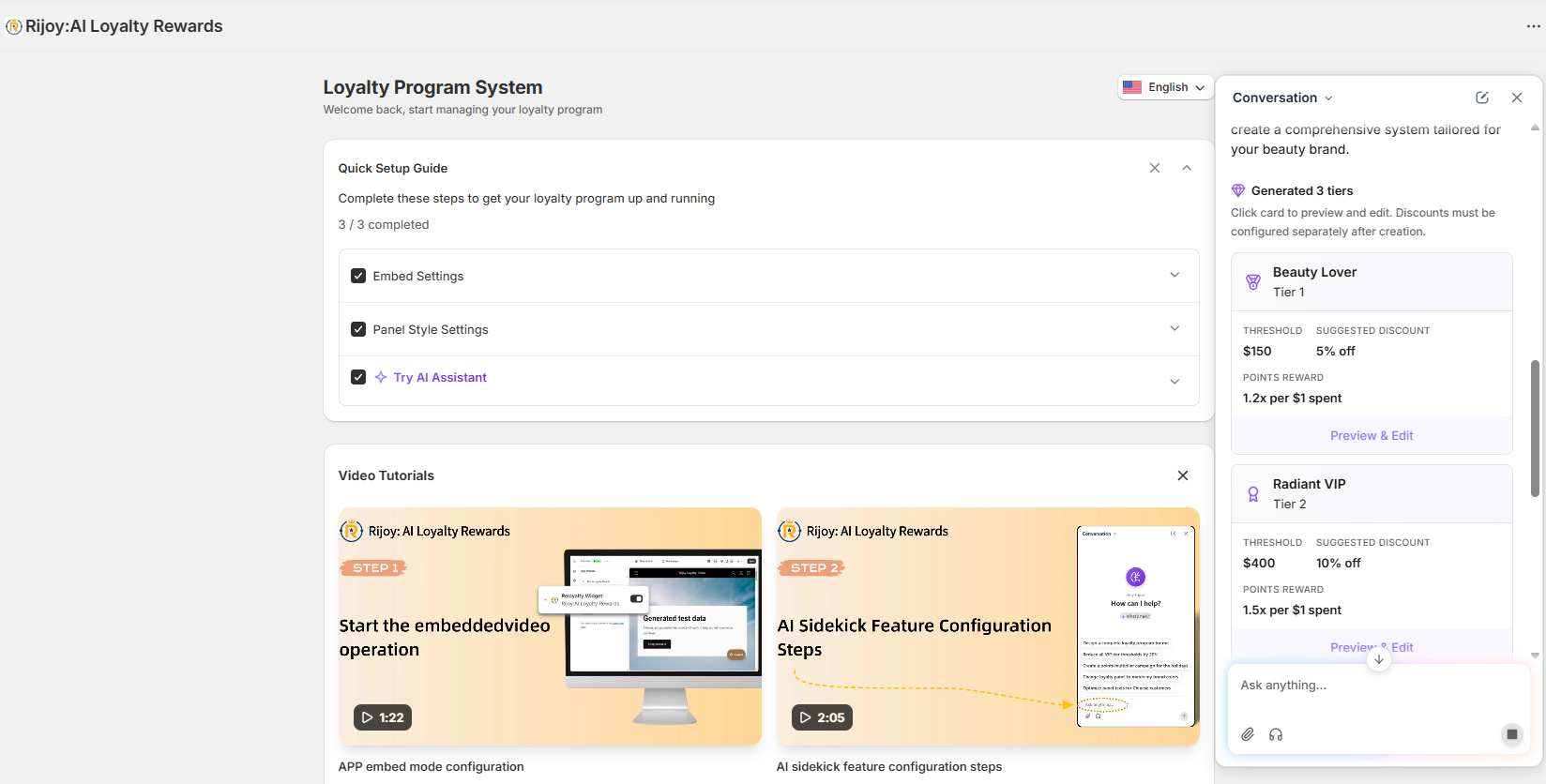
Rijoy vs Smile.io comes down to scale, operating model, and cost. Smile.io is the established option with native Shopify POS support and enterprise services. Rijoy is a lower-cost Smile.io alternative for merchants who want points, VIP tiers, referrals, and AI-assisted operations. The right choice depends on which capabilities your store needs today.
Rijoy and Smile.io are Shopify loyalty platforms that help stores reward purchases, encourage referrals, and recognize repeat customers. Rijoy combines core loyalty tools with an AI Sidekick for setup and campaign changes. Smile.io offers a mature points and referral platform with reporting, integrations, and enterprise support at higher plan levels.
Rijoy is designed around operating a loyalty program from one workspace. Its reference article documents points rules, VIP tiers, double-sided referrals, product-page points displays, post-purchase placements, Klaviyo synchronization, and time-limited points campaigns. The AI Sidekick can turn a merchant instruction into proposed tier and points settings.
Smile.io organizes its product around points, referrals, rewards, on-site loyalty content, integrations, and analytics. Its current pricing page starts with a free plan and scales through Essential, Standard, Growth, Plus, and Enterprise. Capabilities such as VIP, API access, migration planning, and enterprise controls appear at specific plan levels.
Both products therefore cover the loyalty program itself. The larger difference is how features are packaged and operated: Rijoy’s paid plans advertise all features with order-based capacity, while Smile.io adds capabilities as merchants move through its plan ladder.
Both platforms support points and referrals, while their clearest differences are packaging and verified channel support. Smile.io publicly lists native Shopify POS and API access on Plus. Rijoy documents AI-assisted configuration and campaign automation, but its public pages do not establish native POS or a public headless API. Confirm those items before choosing a headless loyalty program.
The table separates documented support from items that still need confirmation. A check means the capability appears in the allowed source pages, not that every plan includes it.
Existing Smile referral URLs are not part of Rijoy’s CSV import
POS integration
Yes
Native Shopify POS support is listed
Ask Rijoy whether points can be earned and redeemed at the register
Headless API
Yes
API access is listed on Plus
Ask both vendors for storefront SDK and rate-limit details
Custom webhooks
Yes, on all plans
Not listed on the pricing page
Request an event list and retry policy
White label
Yes, on Growth and above
Full branding customization is listed
Confirm widget, email, and customer-account branding limits
AI recommendations
AI Sidekick supports setup and setting changes
Not listed on the pricing page
Test recommendations against a duplicate store configuration
Smile.io’s page also lists on-site nudges, dedicated loyalty pages, product-page embeds, account-page content, and checkout redemption across different plans. Rijoy’s reference article documents product-page points, a post-purchase display, and a customizable membership page. Compare the exact storefront surfaces you use rather than treating “loyalty widget” as one feature.
For technical buying decisions, ask each vendor to demonstrate the required workflow in your theme, customer accounts, POS setup, or headless storefront. A feature name does not prove that its events, data fields, or checkout behavior match your implementation.
At the three target volumes, Rijoy’s published base prices are $19, $89, and $299 per 30-day cycle. Smile.io costs $15 at 500 orders, an estimated $299 at 3,000 orders, and an estimated $1,224 at 12,000 orders. The Smile estimates apply its published overage rates to the nearest eligible plan.
This Shopify loyalty app pricing comparison uses standard prices displayed on September 16, 2026. Taxes, negotiated contracts, introductory discounts, and custom terms are excluded. Smile Plus is billed annually even though its page expresses the charge as $999 per month.
Order volume per billing period
Rijoy plan and capacity
Rijoy cost
Smile.io plan and capacity
Smile.io cost
Difference
500 orders
Starter, 500 orders per 30 days
$19
Essential, 500 monthly orders
$15
Smile.io is $4 less
3,000 orders
Growth, 3,000 orders per 30 days
$89
Growth, 2,500 orders plus 500 overage orders
$299 estimated
Rijoy is $210 less
12,000 orders
Plus, 12,000 orders per 30 days
$299
Plus, 7,500 orders plus 4,500 overage orders
$1,224 estimated
Rijoy is $925 less
The 3,000-order Smile estimate is $199 plus five blocks at $20 per 100 orders. The 12,000-order estimate is $999 plus 45 blocks at $5 per 100 orders. Confirm with Smile.io that overages can be used at those volumes rather than triggering a different contract.
Rijoy charges $8 per additional 100 orders on Starter, $6 on Growth, and $5 on Plus. Its pricing page also advertises a 70% discount for the first three billing cycles of a merchant’s first paid subscription; the table uses standard prices so the long-term comparison remains useful.
Price alone does not make the plans equivalent. Smile.io’s $999 Plus plan includes migration and launch planning, priority support, API access, and 30 or more reports. Rijoy says every paid plan includes all features, with order capacity and AI credits changing by tier.
To migrate from Smile.io without discarding balances, export customers from Smile, map each record into Rijoy’s CSV template, import it, and reconcile failures before changing the storefront. Email is the required match key. Available Points and VIP Tier can transfer, but referral links and historic activity are not listed as importable fields.
Follow this controlled sequence:
Freeze program changes. Choose a cutoff window for earning-rule and tier changes. Rijoy’s manual warns that exported Smile data may take up to 24 hours to synchronize, so verify that the final export is current.
Export from Smile.io. In Smile, open Customers, choose “Filter and export,” then “Download results.” Include Points Balance, Member status, and VIP tier, and download the file as CSV.
Prepare Rijoy first. Install Rijoy and ensure the customers already exist there. The import process matches customers by email; records without a matching customer cannot be imported.
Map the CSV. Download Rijoy’s template and map Email, Birthday, Available Points, and VIP Tier. Email is required. Optional fields left blank are not updated, while incorrectly formatted rows are skipped.
Run a small test import. Start with a representative group containing zero balances, large balances, birthdays, and each VIP tier. Check that the imported balance replaces the current value as intended.
Import and reconcile. Upload the final CSV, start the import after validation, and review successful and failed row counts. Download the error report, correct invalid emails or unsupported tier names, and re-import failed rows.
Switch customer touchpoints. Replace the Smile widget and loyalty links only after balances reconcile. Test earning, redemption, account displays, and referral creation before sending customers to the new program.
The complete field rules and error workflow are in Rijoy’s customer data import manual. Keep the Smile export, mapped file, import result, and cutoff time together so support can trace any disputed balance.
Treat referral links as a separate migration stream. Because Rijoy’s template has no referral-link or historic-activity field, old links should not be assumed to redirect or preserve attribution. Plan customer messaging and any redirect options before removing Smile storefront elements.
Choose Smile.io when native Shopify POS, mature reporting, or a vendor-led Plus migration matters more than price. Choose Rijoy when order-based cost, paid-plan feature access, and AI-assisted loyalty operations carry more weight. Headless stores should pause the decision until both vendors demonstrate the required API and storefront behavior.
Store situation
Better starting shortlist
Reason
New store below 200 monthly orders
Both free plans
Smile lists 200 orders; the brief lists 100 for Rijoy
Growing online store around 3,000 orders
Rijoy
Published standard cost is $89 versus an estimated $299 for Smile
High-volume store around 12,000 orders
Rijoy, then validate support needs
Published standard cost is $299 versus an estimated $1,224 for Smile
POS-heavy Shopify retailer
Smile.io
Native Shopify POS support is explicitly listed
Headless Shopify storefront
Validation required
Smile lists API access on Plus; Rijoy’s public support needs confirmation
Enterprise team needing formal controls
Smile.io or a Rijoy Custom proposal
Smile publishes enterprise security and data controls; Rijoy offers custom planning and support
Run the comparison against one real earning rule, one redemption, one refund, one tier change, and one referral. That short acceptance test exposes operational differences that a feature checklist cannot.
Start Rijoy’s free plan for up to 100 orders a month without a card, then import a small balance sample before replacing Smile.io on your storefront. This keeps the test reversible and lets you verify points, tiers, customer matching, and support response with your own Shopify data.
Rijoy is cheaper at 3,000 and 12,000 orders under the published standard-price assumptions used here, while Smile.io is $4 cheaper at 500 orders. Rijoy costs $89 versus an estimated $299 at 3,000 orders, and $299 versus an estimated $1,224 at 12,000 orders. Confirm Smile overage eligibility and annual billing terms before signing.
Yes. Rijoy’s CSV import accepts Available Points and matches existing customers by required email address. VIP Tier and Birthday are optional fields, but referral links and historic activity are not listed in the import template.
Smile.io lists API access on its Plus plan and a front-end JavaScript SDK in its plan comparison. Whether that supports your complete headless storefront depends on the required earning, redemption, and customer-account flows. Ask for a technical demonstration before committing.
Rijoy’s import manual does not promise a fixed migration duration. Timing depends on export synchronization, data cleaning, failed-row correction, and storefront testing; the Smile export may take up to 24 hours to synchronize before you begin mapping.